
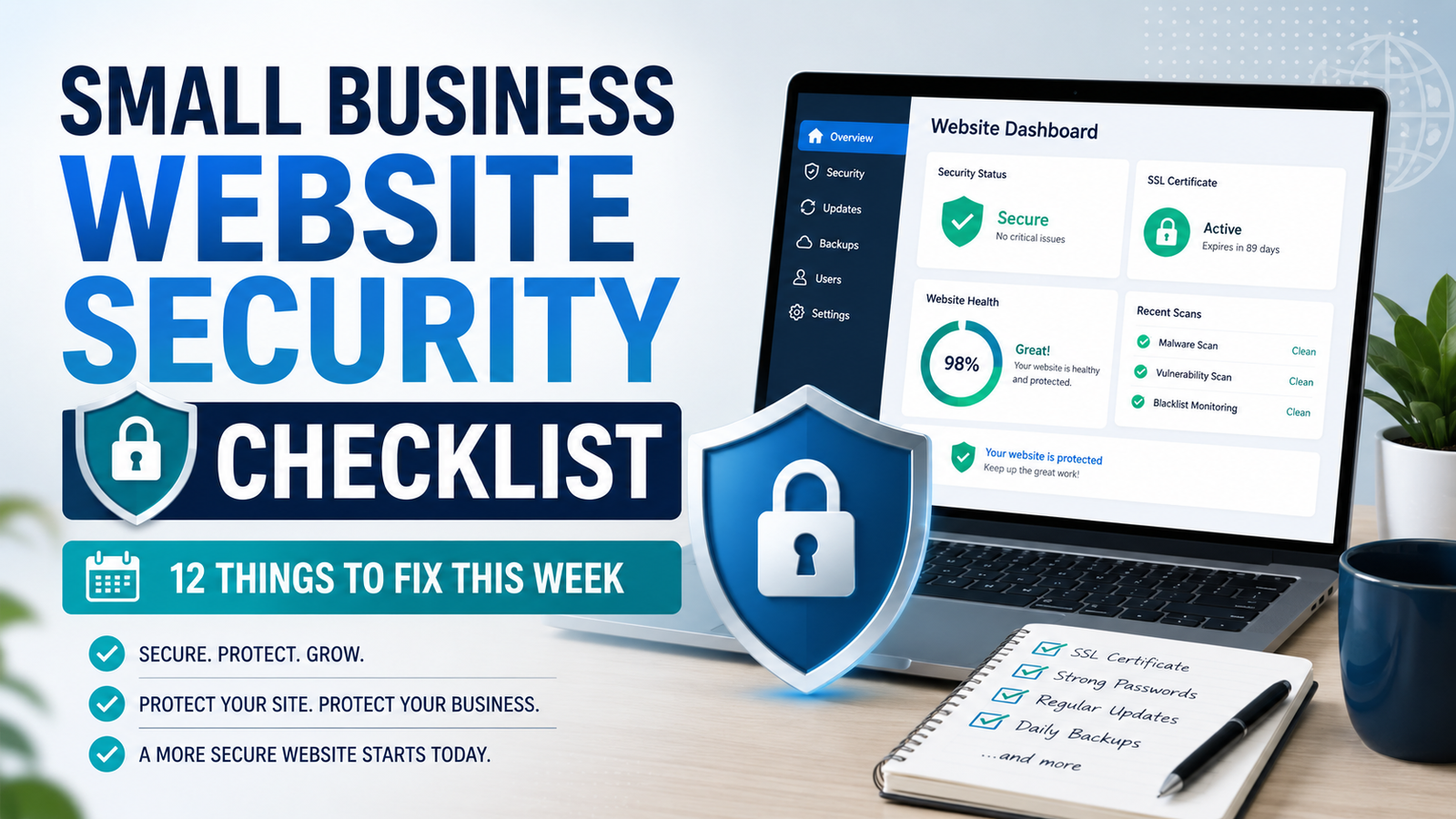
Small Business Website Security Checklist: 12 Things to Fix This Week
Small Business Website Security Checklist: 12 Things to Fix This…
Small Business Website Security Checklist: 12 Things to Fix This Week
Most small business websites do not get hacked because someone targeted them. They get hacked because a bot found an outdated plugin at 3 in the morning and walked right in.
I have cleaned up enough of these to see the pattern. It is almost never sophisticated. It is an old plugin, a reused password, or a login page with no protection on it.
The good news is that fixing this does not require a security team or a big budget. Most of what follows takes a few minutes each, and you can work through the whole list in an afternoon.
Here is the checklist I run through for every small business site I touch.
Quick Answer
If you only do three things this week, do these:
- Turn on two factor authentication for your website admin and your hosting account
- Update your platform, plugins, and themes, then delete anything you are not using
- Set up automatic backups that save somewhere other than your web host
Those three cover the majority of how small sites actually get compromised. Everything else on this list makes you harder to reach.
1. Make Sure HTTPS Is Actually Forced
Having an SSL certificate is not the same as using it. I still find sites where the certificate is installed but the HTTP version of the site loads fine, which means data can still travel unencrypted.
Type your domain with http:// in front of it. If it does not redirect to https:// automatically, that needs fixing.
Most hosts offer a free Let’s Encrypt certificate and a one click force HTTPS setting. If yours does not, that tells you something about your host.
Also check for mixed content warnings. If your page loads over HTTPS but pulls an image or script over HTTP, browsers will flag it and visitors will see a warning that costs you sales.
2. Update Everything, Then Delete What You Do Not Use
Outdated software is the number one way small sites get compromised. Not clever hacking. Just bots scanning for known vulnerabilities in old plugin versions.
Update your CMS core, your theme, and every plugin. Then do the part most people skip: delete anything inactive.
An inactive plugin is still code sitting on your server. It can still be exploited. If you are not using it, it should not be there. Same goes for old themes and old user accounts from a freelancer you worked with two years ago.
Turn on automatic updates for security patches at minimum. If you are worried about an update breaking your site, that is what backups and a staging site are for.
3. Fix Your Passwords Properly
You already know you need strong passwords. The part that actually matters is that they need to be unique.
When a random forum you signed up for in 2019 gets breached, attackers take that email and password combination and try it everywhere. Your hosting account. Your domain registrar. Your website admin. If you reused that password anywhere, they are in.
Get a password manager and let it generate everything for you. You only have to remember one master password after that.
Priority order for changing passwords:
- Domain registrar (lose this and you lose the whole business)
- Hosting account
- Website admin
- Email connected to those accounts
- FTP and database
You can check whether your email has shown up in a known breach at Have I Been Pwned. It is free and takes ten seconds.
4. Turn On Two Factor Authentication
This is the single highest value item on the list. Even if someone steals your password, 2FA stops them.
Enable it on your hosting account, your domain registrar, your website admin panel, and the email address tied to all of them.
Use an authenticator app rather than SMS where you can. SMS codes can be intercepted through SIM swapping, which sounds exotic until it happens to someone you know.
Most CMS platforms have a free 2FA plugin or a built in setting. There is no good reason to skip this one.
5. Protect Your Login Page
Your login page is where the brute force attempts land. A few things help:
Limit login attempts. Lock out an IP address after five failed tries. This alone kills most automated attacks.
Change the default login URL. If your admin login sits at the standard address every bot knows, moving it cuts the noise dramatically.
Remove obvious usernames. If your admin account is called “admin,” attackers already have half the puzzle. Create a new admin account with a different name and delete the old one.
Add CAPTCHA on the login form. Slightly annoying, very effective.
6. Set Up Backups That Actually Work
A backup you have never tested is not a backup. It is a hope.
What a real backup setup looks like:
- Runs automatically, daily or weekly depending on how often your site changes
- Stores files somewhere other than your web server, like cloud storage
- Keeps at least 30 days of history, because you may not notice a problem immediately
- Includes both files and database
- Has been restored at least once so you know the process works
If your only backup lives on the same server as your site, a compromised server takes both. Offsite is not optional.
Test a restore on a staging site once. Doing it for the first time during an actual emergency is a bad experience.
7. Choose Hosting That Does Some of This For You
Cheap shared hosting saves you a few dollars a month and costs you in ways that are harder to see.
The main risk is poor account isolation. On badly configured shared servers, a compromised site can affect neighbors on the same machine. You did nothing wrong and you are still cleaning up an infection.
What to look for in a host:
- Server level firewall
- Malware scanning included
- Free SSL
- Automatic daily backups you can restore yourself
- A staging environment
- Support that responds when something breaks at 2am
Managed hosting for your platform costs more than budget shared hosting, but it handles a good portion of this list on your behalf. For a business site that generates revenue, the math usually works out.
8. Give People the Least Access They Need
Not everyone who touches your site needs admin access.
Your content writer needs to publish posts. That is an editor or author role, not administrator. The freelancer who redesigned your homepage last spring probably does not need an account at all anymore.
Audit your user list. Remove accounts that are not in use. Downgrade roles that are higher than they need to be.
When you hire someone temporarily, create a separate account for them and delete it when the work is done. Do not share your own login.
9. Add a Web Application Firewall
A WAF sits in front of your site and filters malicious traffic before it reaches you. It blocks common attack patterns like SQL injection and cross site scripting attempts automatically.
Cloud based options like Cloudflare offer a free tier that covers the basics and also speeds up your site through their CDN. For most small business sites, the free plan is genuinely enough to start.
Plugin based firewalls work too, though they run after the request reaches your server rather than before.
10. Lock Down Your Forms
Contact forms, comment sections, and newsletter signups are entry points. Left unprotected they attract spam at best and injection attempts at worst.
Add spam protection to every form. Validate what users submit. If you accept file uploads, restrict which file types are allowed, because an upload field that accepts anything is an open door.
Also make sure form submissions are not being stored somewhere insecure or emailed in plain text if they contain sensitive customer information.
11. Monitor So You Find Out First
The worst way to learn your site is compromised is a customer telling you, or Google flagging you in search results.
Set up:
- Uptime monitoring so you know within minutes if the site goes down
- Malware scanning that runs on a schedule and emails you
- Google Search Console, which will notify you if Google detects a security issue
- File change notifications if your security plugin supports them
Most of these have free tiers. Ten minutes of setup buys you early warning.
12. Write Down What You Would Do
If your site went down tomorrow morning, would you know where to start?
Keep a simple document with:
- Where your backups are and how to restore them
- Hosting support contact and account details
- Domain registrar login location
- Who to call if you need help
Store it somewhere other than the website. A password manager with secure notes works well.
This takes fifteen minutes and saves you an hour of panic later.
Frequently Asked Questions
Is my business too small to be a target?
There is no such thing. Attacks on small sites are almost entirely automated. Bots scan huge ranges of the internet looking for known vulnerabilities. They do not check your revenue first.
Do I need a security plugin if my host has security features?
They cover different layers. Your host protects the server. A security plugin protects your application. Some overlap exists, but running one good plugin alongside decent hosting is a reasonable setup. Do not run three security plugins at once, they conflict.
How much should this cost?
You can do most of this list for free. A password manager runs a few dollars a month. Cloudflare has a free tier. Better hosting is where real cost sits, and that is a business expense worth paying.
How often should I check on this?
Monthly is a good rhythm for updates and user audits. Backups and monitoring should run automatically. Passwords only need changing if there is a reason to.
My site was already hacked. What now?
Take it offline or into maintenance mode, change every password from a clean device, restore from a backup taken before the compromise, then update everything before bringing it back online. If you cannot identify how they got in, get professional help, because restoring without closing the hole means it happens again.
Where to Start
You do not need to do all twelve today.
Start with 2FA, updates, and backups. Those three take about an hour and cover most of your real risk. Then work through the rest over the next couple of weeks.
Security is not a project you finish. It is a small habit you keep. An hour a month is enough to stay ahead of the automated attacks that catch most small business sites.
Your website is a business asset. Treat it like one.
 Irish
Irish  English
  Bengali
  Hindi
Hindi  Nepali
  Spanish
  Portuguese